
AN AUDIO BABY MONITOR FOR ANDROID

Two phones.
One baby
monitor.

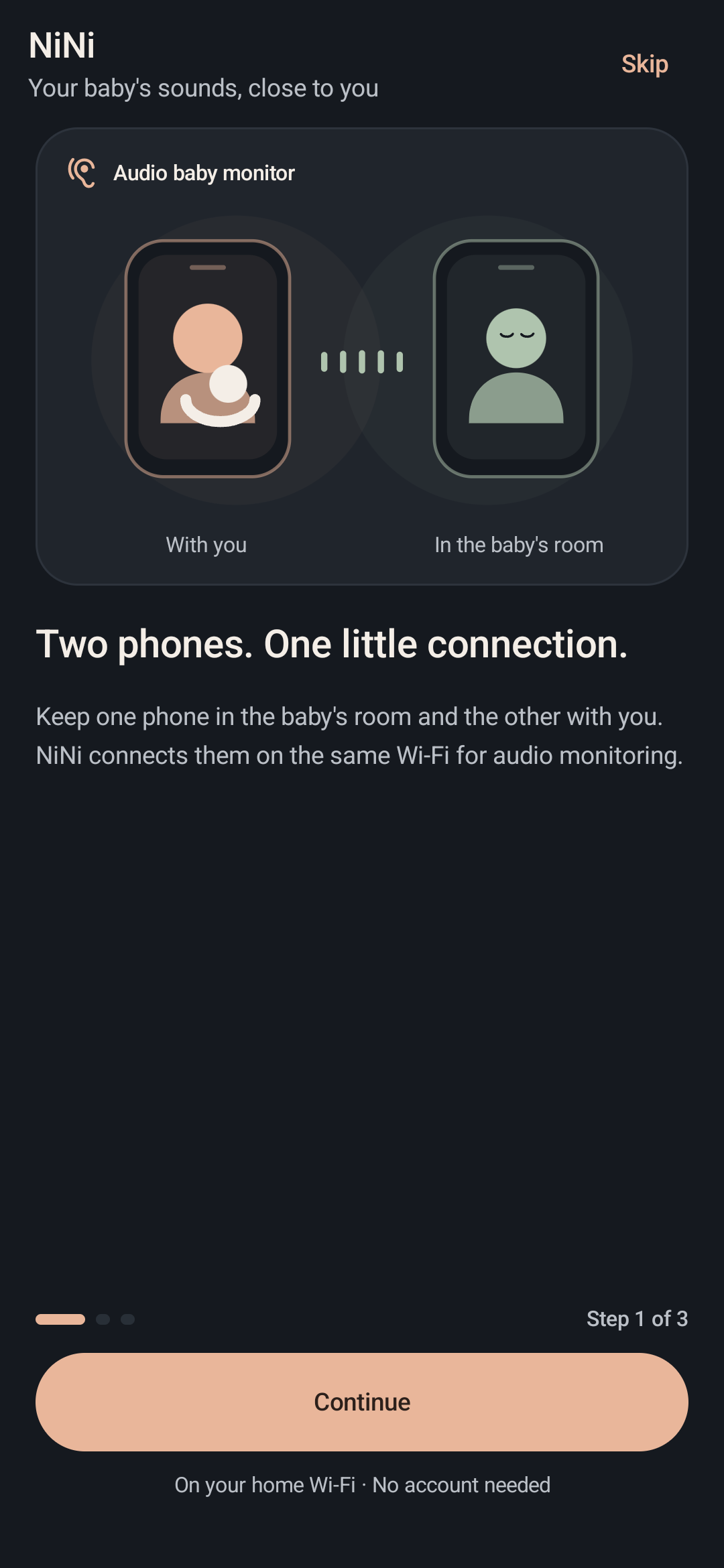
Connect two Android phones to the same Wi-Fi. Leave one in your baby's room and listen from the other.

Basic monitoring is freeNo extra hardware

See the app screens
From your baby's room
to the phone with you.
Hear the room from your phone.Encrypted audio on your home network

TWO PHONES · AUDIO MONITORINGSAMPLE VIEW

Encrypted audio at home

Start without an account

Android 8.0 and above

LITTLE MOMENTS AT HOME

Around your home.
Still close by.

One phone stays in the baby’s room. The other comes along with you.

Choose your spot in this little home.

A moment on the sofa.

Take a little break and listen to the baby’s room on the phone beside you.

Same Wi-Fi NurseryThis phone stays here.
From the nurseryWith you, in the living room

HEAR HOW IT WORKS

A little sound.
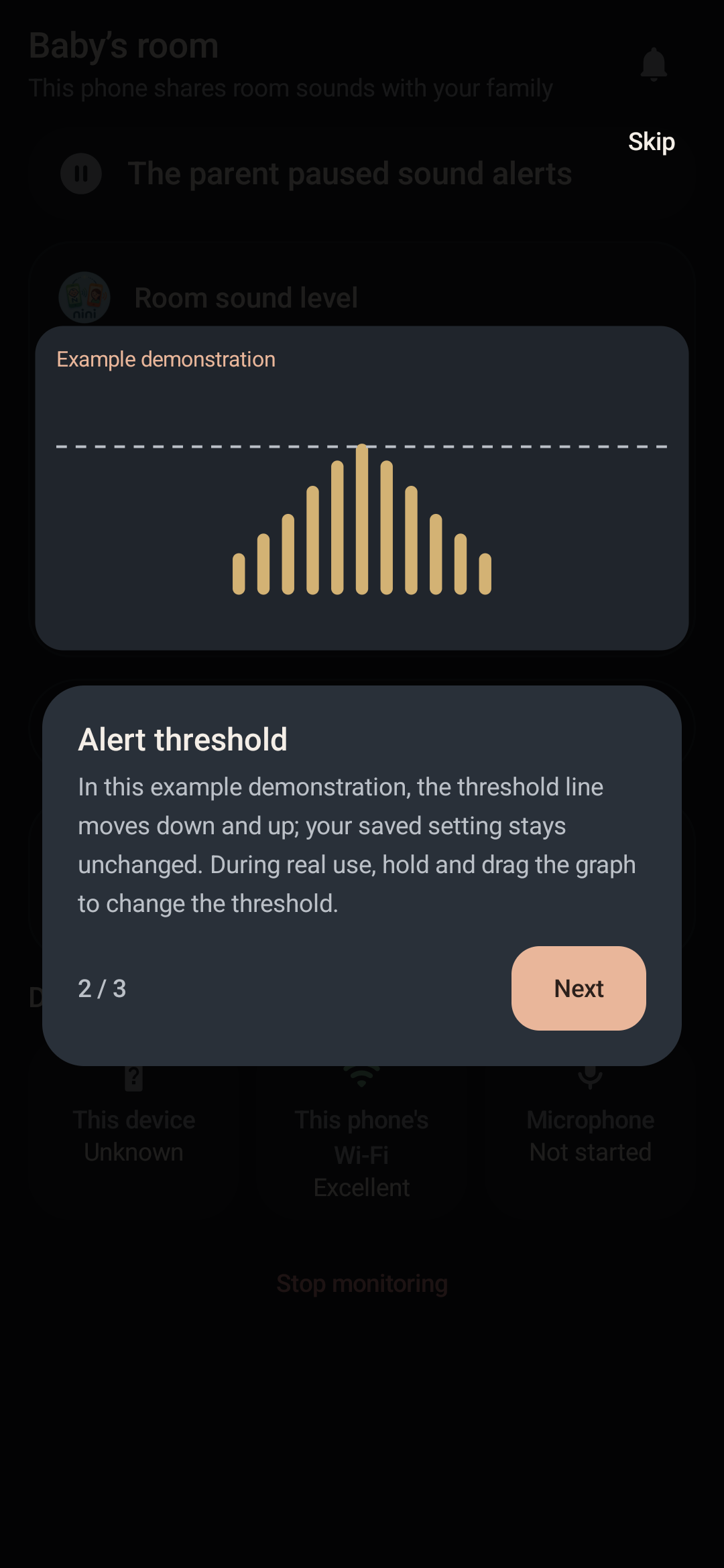
You choose the threshold.

Hear a baby's voice. Move the threshold and watch the parent phone respond.

A baby's voice18-second baby recording
Sample level0/ 100
0:00 / 0:18
55 / 100

Lower the threshold to pick up quieter sounds.

Sunday, 11 October
Ready to listen

An alert appears here when sound passes the threshold.

Parent phone · Lock screen demo

Preparing demo…

Demo only: relative levels, not decibels. No microphone or live connection. Audio credit

01 /LET'S GET CONNECTED

Get set up
in three steps.

Choose roles, pair the phones and complete the readiness tests before monitoring.

A closer look at NiNi
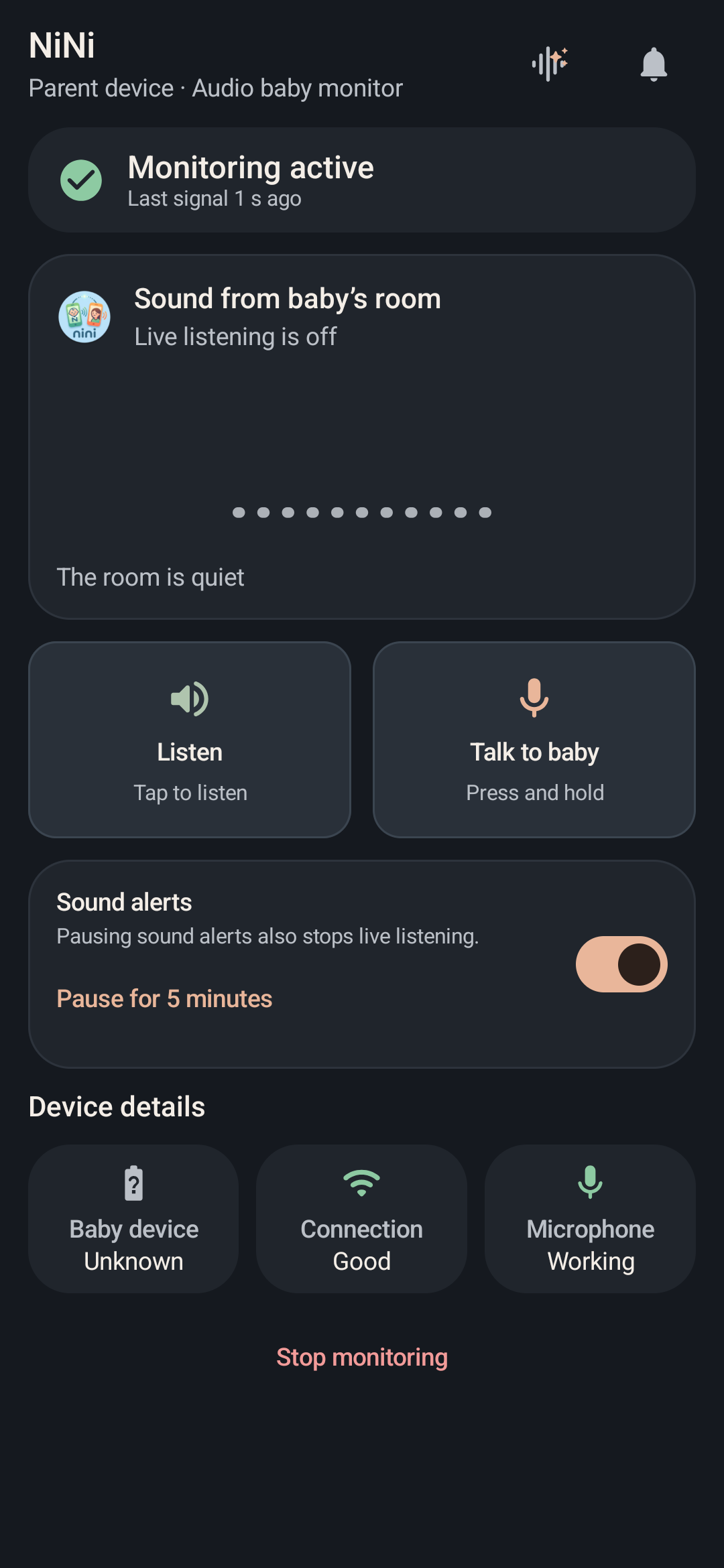
NiNi parent screen: monitoring state, listening, talk-back and sound alerts.Take a closer look

Listen and talk to your baby.Live listening and push-to-talk controls on one screen.

ENCRYPTED AUDIO, AT HOME

Your baby’s sound.
On your home network.

Live audio is encrypted between paired phones on the same network. Sound is not sent to servers, and you don’t need an account to get started.

Directly between phonesNo account needed
Read the privacy policy

03 /NINI PLUS

A little more flexibility.
With NiNi Plus.

Little extras for the way your family spends its day. Explore three of them below.

Compare free & Plus
NINI PLUS A LITTLE SHORTCUT. ALWAYS CLOSE.
Floating bubble

Floating
bubble.

Keep reading, browsing or messaging. Open NiNi’s bubble to listen, or hold to talk to your baby.

  1. Tap the bubbleOpen the shortcuts.
  2. Start listeningTurn the listening example on.
  3. Hold to talkRelease to stop talking.
How it works
  • Requires active monitoring on the parent device and permission to display over other apps.
  • Talking also requires microphone permission.

Sound detection pauses on the baby device during push-to-talk.

21:48

A LITTLE BREAK

A moment
to read.

Tap · Listen · Talk

Tap the NiNi bubble on the phone to explore.

A silent, interactive example. Your microphone stays off; no devices connect.

More ways to make NiNi yours.

Share monitoring with your family, or make room for it in your daily routine.

TRY A PLUS FEATURE

Family monitoring01 / 02
FAMILY MONITORING

Listen with
your family.

Connect up to five parent phones to one baby device on the same Wi-Fi.

Up to 5 parentsSame Wi-Fi
How it works
  • One Plus plan covers every paired parent phone.
  • Each parent manages their own listening and alert preferences.

Only one parent can talk at a time.

Baby device
Parent 1

1 / 5

One parent added in this example.

Silent example

Add up to five parents in this example.

DAILY ROUTINE

Choose a reminder
and stop time.

Set an evening start reminder and an optional morning stop time.

Start reminderOptional stop time
How it works
  • Reminders do not start monitoring automatically.
  • Cancel the scheduled stop from the warning sent 5 minutes before.

Each phone has its own schedule. Android may shift times by about 10 minutes.

ONE SAMPLE NIGHTSchedule off
Reminder to start
Scheduled stop

1 / 5 · Sample schedule

Evening

Example status

Walk through one night

A reminder to start at 21:00, with a scheduled stop at 07:00.

In this example, the phones are paired and monitoring is off. Enable the schedule to begin.

Steps change only when you move forward.

Silent web demo. No real schedule is created.
App times are approximate; Android may delay them by around 10 minutes.

Silent, interactive examples. No devices connect, no microphone is used and no schedule is created.

INCLUDED FREE · NO PLUS NEEDED

A small check.
A calmer start.

Before monitoring, take a moment to check the connection, microphone and alerts on your phones.

About 1–2 minutes in the app

YOUR BEDTIME CHECK

Guided example
  1. Connection
  2. Microphone
  3. Alert
0 of 3 steps explored

BEFORE YOU BEGIN

A little preparation, before bedtime.

See how connection, microphone and alert checks work in NiNi. This website does not test your devices.

An illustration only. No devices connect, no microphone is used and no test sound plays here.

FREE & PLUS

Start with free.

Basic monitoring with two phones is free. Explore NiNi Plus for family sharing and extra features.

NiNi
FREE

The essentials, on two phones.

Listen to your baby, talk back and receive alerts.

  • One baby phone and one parent phone
  • Live listening and push-to-talk
  • Sound threshold, connection and device status alerts
  • 24-hour event history
  • Secure pairing and readiness tests
  • Quick night check
NiNiPlus
FOR YOUR FAMILY

Share monitoring with your family.

One parent’s Plus purchase works on every parent phone paired with the same baby phone.

Everything in the free version, plus:

  • Up to 5 parent phonesListen to the same baby phone together.
  • Floating bubbleListen and hold to talk while using other apps.
  • 30-day historyReview events and sound activity charts.
  • Optional sound clipsKeep short event recordings on the baby phone.
  • White noisePlay it on the baby phone; control it from yours.
  • Your own alert soundChoose an audio file for sound alerts.
  • Home screen widgetSee the latest status; tap to open NiNi.
  • SchedulesSet start reminders and scheduled stops.

04 /FREQUENTLY ASKED QUESTIONS

Your questions,
clear answers.

What to know about NiNi, from first setup to everyday use.

Can’t find your answer?Get in touch
Which phones can I use?
You need two phones running Android 8.0 or above. Set one as the baby phone and the other as the parent phone. Follow the permission steps and complete NiNi’s readiness tests during setup.
Do I need internet? Can I listen away from home?
Both phones must be on the same local network while you listen. Sound travels over that network; listening remotely over the internet is not supported. You need internet for tasks such as downloading the app, making purchases and verifying them.
Can I use a hotspot?
Yes. Turn on one phone’s personal hotspot and connect the other phone to it. Hotel and guest Wi-Fi networks may prevent phones from finding each other. Run the connection and sound tests before use.
Does it work with the screen off?
Monitoring can continue with the screen off. Battery saving and background restrictions can affect this. Follow NiNi’s permission guidance and complete its screen-off test.
Is audio recorded?
Audio recording is off by default. If you enable event clips with NiNi Plus, short recordings are stored on the baby phone. You can play and delete them in the app. See the privacy policy for retention periods and details.
Can I share NiNi Plus with my family?
Yes. One parent’s Plus purchase also applies to the other parent phones paired with the same baby phone. You can connect up to five parent phones in total to one baby phone. The free version supports one parent phone.
Does NiNi use a camera or recognize crying?
NiNi is an audio baby monitor. It does not stream video or use AI to recognize crying. It alerts you when sound exceeds your chosen threshold. The camera is only used if you choose to scan a pairing QR code.

SETUP HELP

Pick up where you got stuck.

Choose the issue you’re having and work through a few quick checks.

Contact support
The phones cannot find each other
  1. Connect both phones to the same Wi-Fi. Select the baby phone on the pairing screen and confirm that the numbers match. Reopen pairing if the time runs out.
  2. If you’re using guest Wi-Fi, try connecting one phone to the other’s personal hotspot.
  3. Once paired, run NiNi’s connection test.
Audio stops when the screen turns off
  1. Allow NiNi to run in the background in your phone settings. Check battery saving restrictions.
  2. Make sure microphone permission is enabled on the baby phone.
  3. Run NiNi’s screen-off test again.
Notifications are not arriving
  1. Enable NiNi notifications on the parent phone and sound alerts inside the app.
  2. Check notification volume and Do Not Disturb. Your test sound needs to exceed the chosen alert threshold.
  3. Run NiNi’s alert test. Check that the notification arrives and you can hear it.

GET STARTED WITH NINI

One phone in their room.
One by your side.

Turn two Android phones into an audio baby monitor. Download NiNi, pair them on the same Wi-Fi and complete the setup checks.

GET IT ON GOOGLE PLAYDownload freeAndroid 8.0+Same Wi-FiMicrophone permission

Basic monitoring is free. No extra device needed.

Get your second phone ready.

Install NiNi on both phones. Send the download link to your other phone.

QR code for NiNi on Google Play
Open on your phone.

Scan with your camera to open NiNi on Google Play.

App screen

NiNi